

How it works
Scan what you cook, schedule your meals so you stick to your plan, and log each one with a tap.
-
Step 1

Scan while you cook
Scan the barcode on each ingredient as it goes in. Prepie looks up the nutrition for you.
If there's no barcode, search for it or type it in from the label.
-
Step 2

Schedule your meals
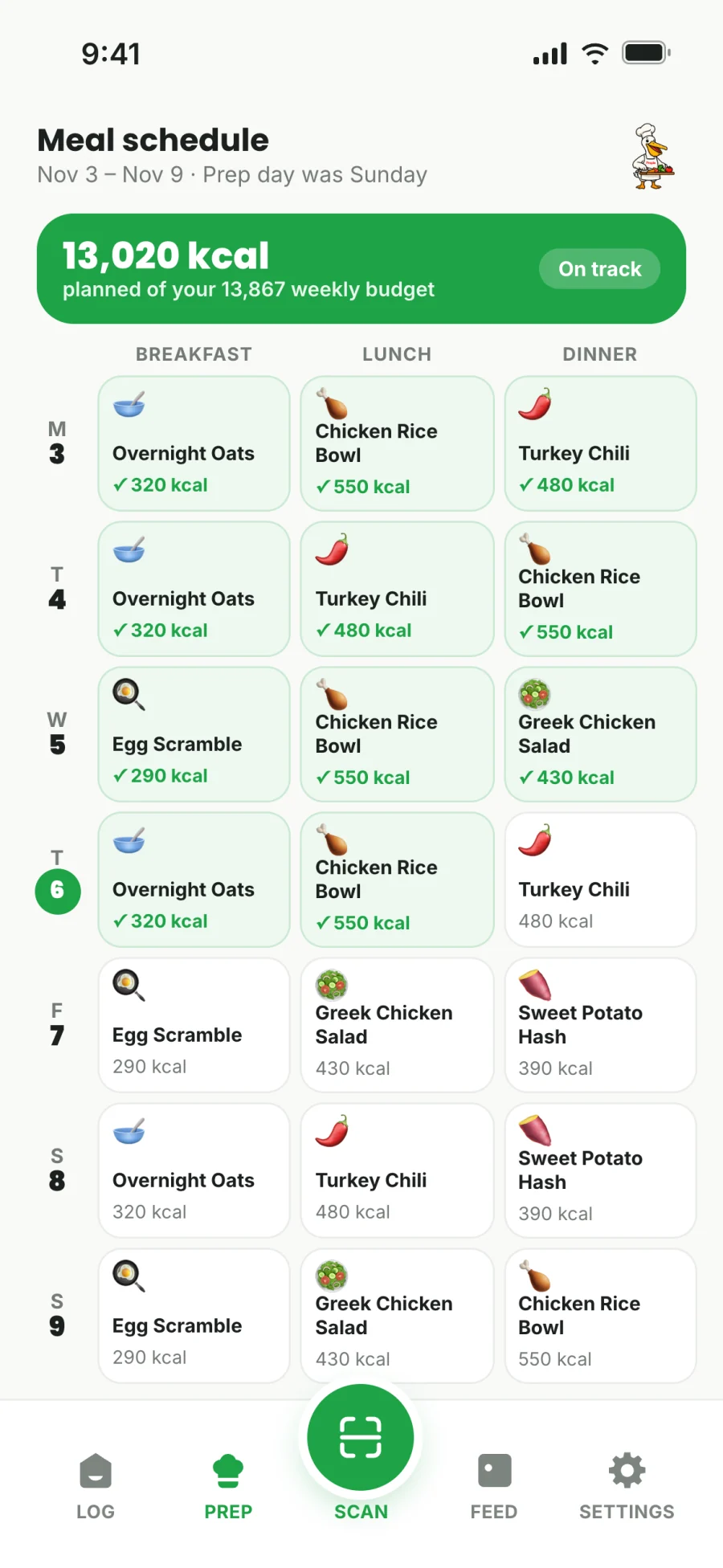
Say how many servings the batch made, and Prepie works out the protein, carbs and fat in each one. Then put your meals on the days you'll eat them.
With your week scheduled, it's easier to stick to your plan.
-
Step 3

Tap when you eat
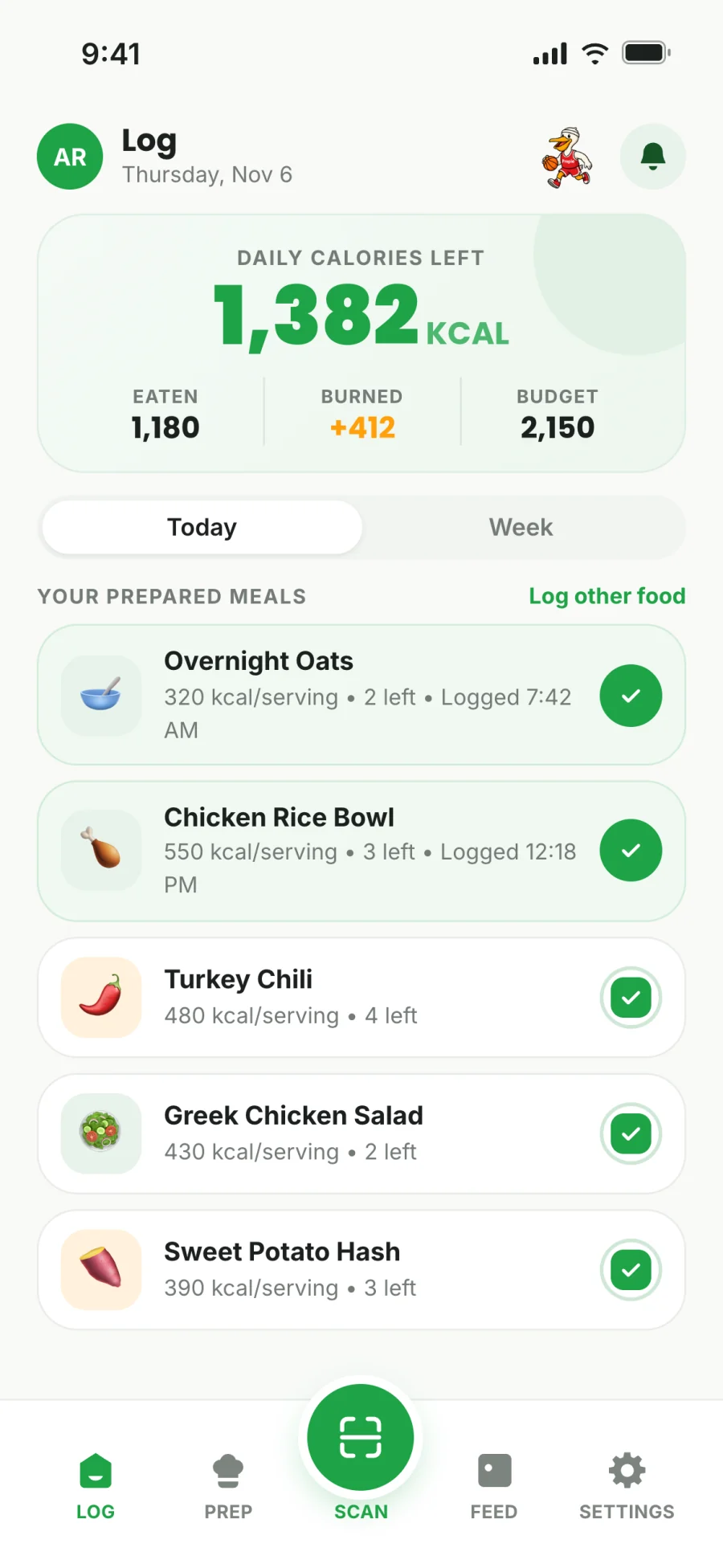
Your meals are waiting on your Log screen. One tap logs a serving and updates your day.
Prepie counts down the servings you have left.
During the week
Log a prepped meal with one tap
The chicken and rice you made on Sunday is on your Log screen all week with the calories already counted. Tap it when you eat it, and your numbers for the day update.
- See your calories left for the day at a glance
- Servings count down as you eat them
- Scan or search for anything you didn't prep
Workouts and cardio
Track workouts and log meals from your Apple Watch
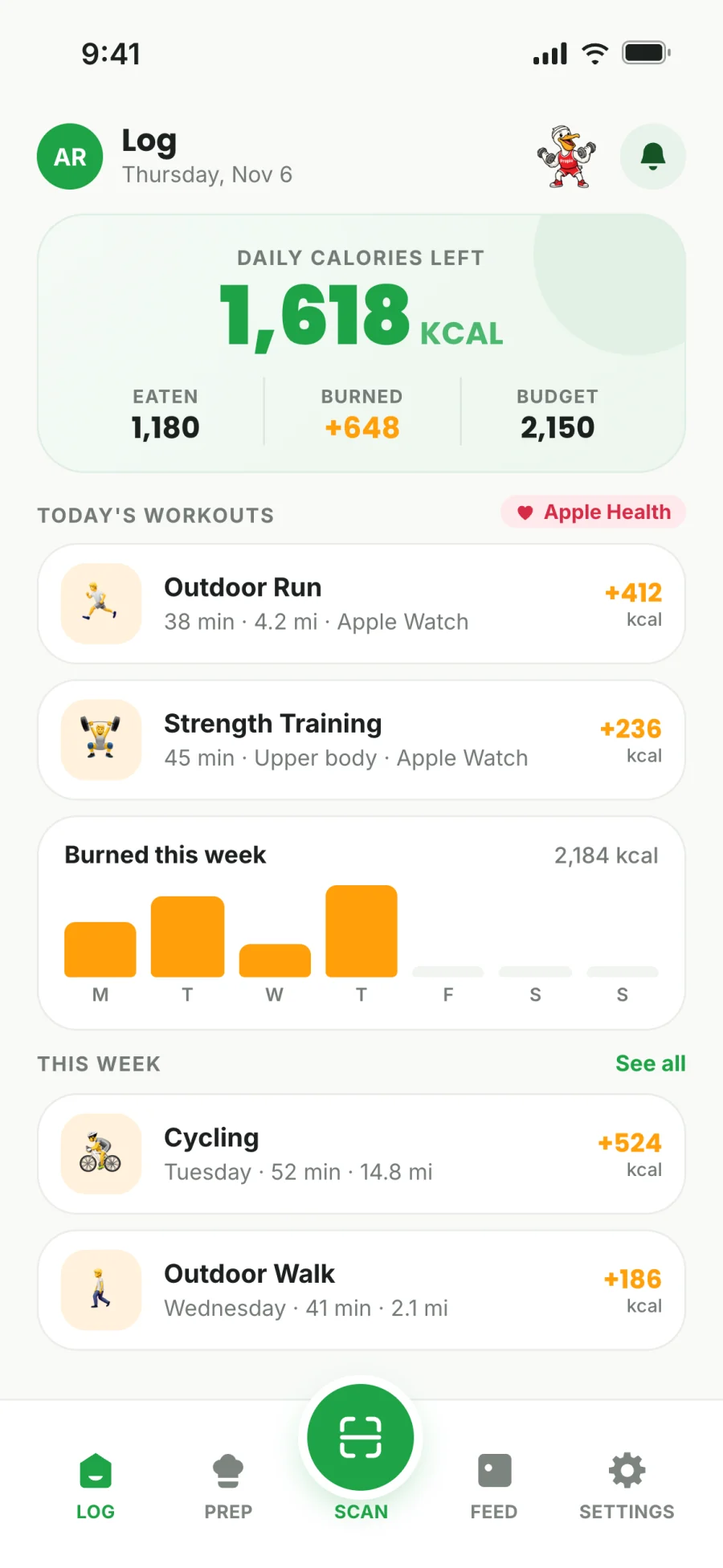
Connect Apple Health and your workouts and cardio are added to Prepie automatically. At mealtime, your watch reminds you to eat your meal prep, and one tap logs it.
- Runs, rides, lifts and walks add to what you can eat that day
- Calories burned sit right next to calories eaten
- Without a watch, Prepie uses your estimated daily burn
Community
Find meal prep recipes from other people
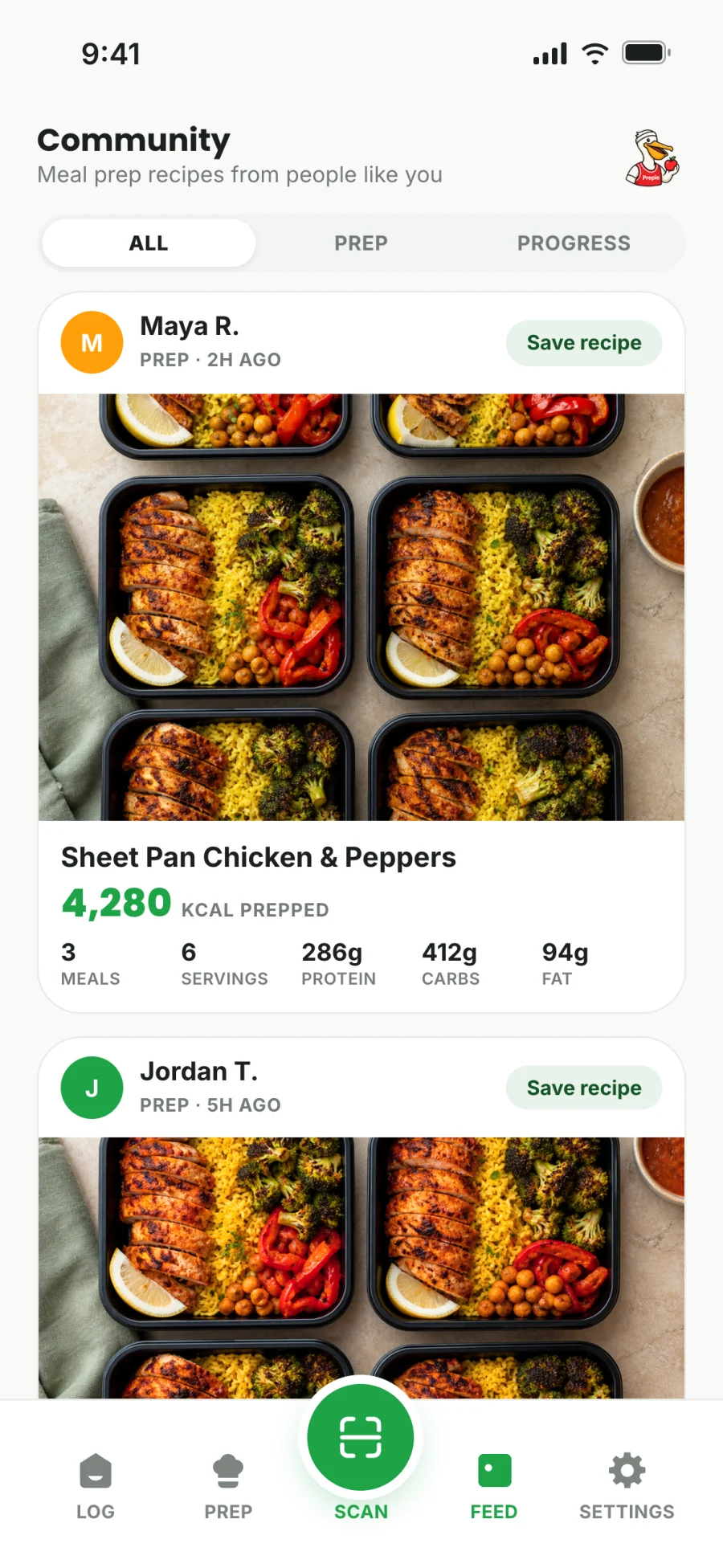
Browse what other people are cooking, with photos, servings, calories and macros for each recipe. When you find one you like, make it part of your own week.
- Photos of finished meal preps
- Calories, protein, carbs and fat for every recipe
- Share your own recipes when you want to
Everything else that helps you stay on plan
- Weekly calorie budget
- Prepie sets a daily target and a weekly budget from your goal and pace, so you can see what's left at any point in the week.
- Reuse last week's prep
- If you're making the same meals again, copy last week's prep instead of scanning everything a second time.
- Prep day reminders
- Pick your prep day and Prepie prompts you when it comes around.
- Private progress photos
- Take weekly check-in photos and compare them over time. They stay private unless you choose to share them.
Get an email when Prepie is ready
Prepie is coming soon to iPhone. Leave your email and we'll tell you when you can download it.